Veld 1.1 and Spek's AGC: per-band stereo engines and level-matched saturation
Veld's new decoupled mode gives every band its own stereo engine and phase limiter, and Spek now level-matches as you saturate.
Notes
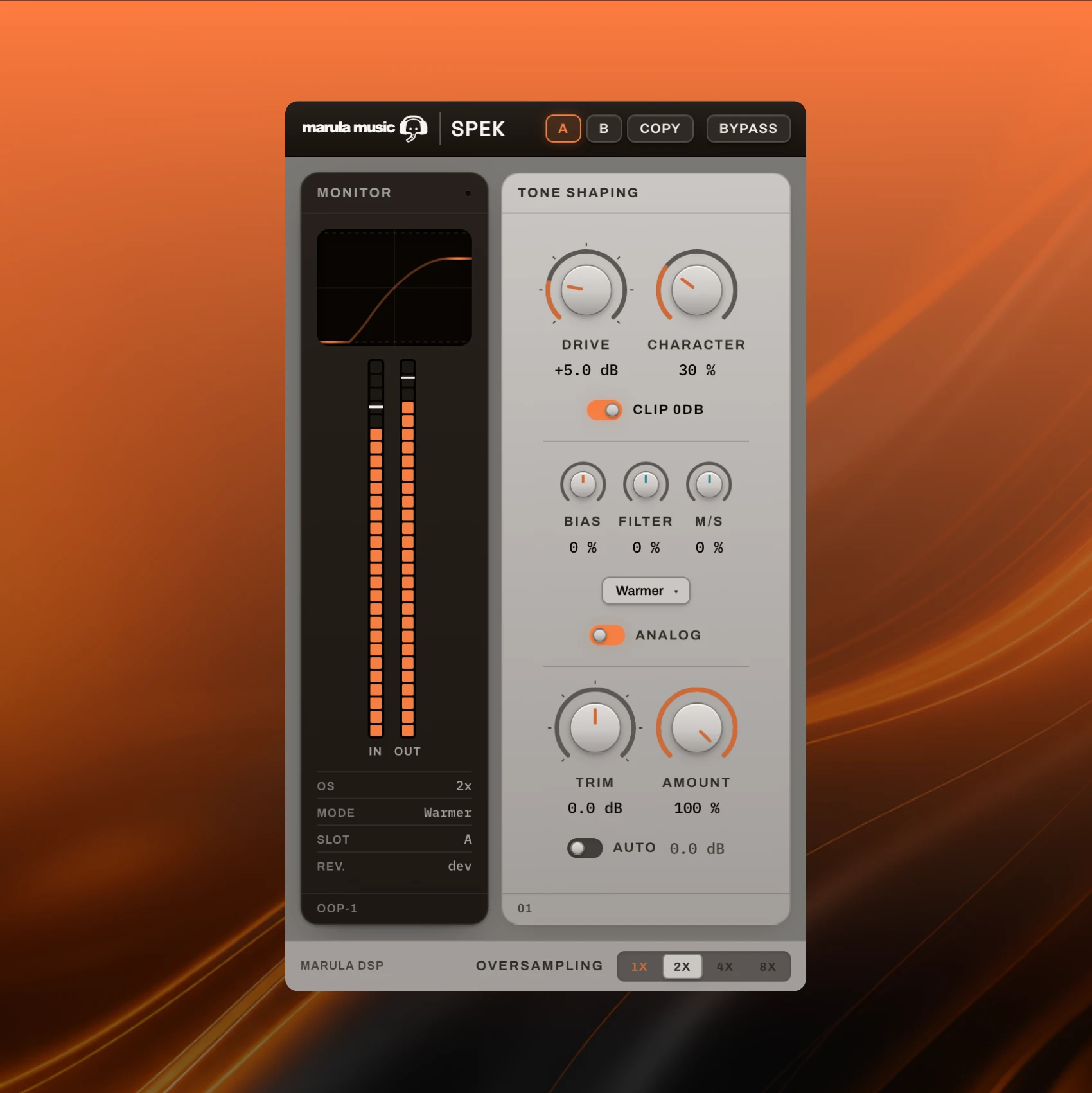
Both of my plugins have updates out. Spek, the saturator, gets AGC, which keeps your A/B tests honest. Veld, the multiband stereo imager, goes to 1.1 with a decoupled mode that gives each band its own stereo engine. The video above walks through both.
Spek: AGC is not Auto mode
Spek already had an Auto mode. Auto links drive and trim, so the trim moves as you push the drive, and you can offset the trim afterwards. It's a drive control.
AGC does a different job. It watches the level going in and coming out and keeps them the same, updating the whole time you adjust. Add some character, push the drive a bit, change the bias or the mid-side balance, and the output stays level with the input as best it can.
The reason that matters is bypass. Louder nearly always sounds better, so if the processed signal is a few dB hotter, an A/B tells you about the gain change, not the saturation. With AGC on, bypassing compares the tone of the distortion and nothing else. In the video I deliberately overdo it so you can hear what the distortion is adding.
Locking the gain in place
Because AGC is dynamic, it keeps moving. Once a setting sounds right you might want a fixed gain instead. Turn AGC off, double-click the trim (double-click entry is new in this update) and type in the amount AGC was adjusting for. The gain is now locked, and the in and out stay close to level matched.
Veld 1.1: linked and decoupled
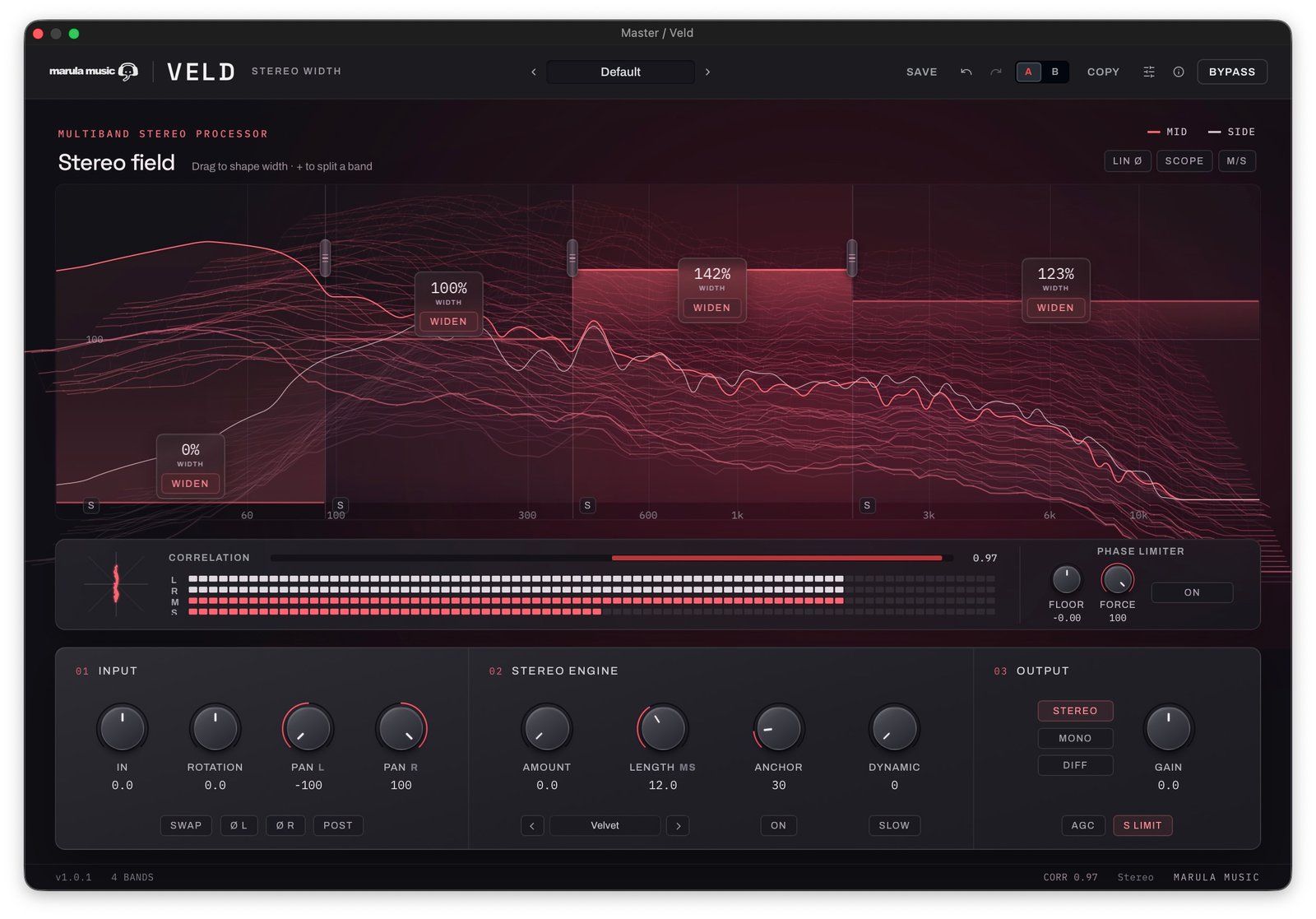
The headline change in Veld came from a YouTube comment. There's a new switch at the top of the plugin: linked or decoupled.
In linked mode the stereo engine is shared across the bands. The MS mix sets the level of the side channel, and the stereo engine injects width into the side channels. Set Haas for the mids and it applies to the highs as well.
In decoupled mode the four bands are set up independently. Select a band, and an indicator at the top matches one at the bottom so you know which band you're editing. Each band has its own correlation meter button and copy and paste controls.
A different stereo engine on each band
In the video I turn the widening off for the low end, then try different engines on the bands above:
Haas on the mids. It works well on percussion, but at higher values it gets blurry and you start to hear the delay.
Allpass on band 3, as something more subtle.
Velvet, which works nicely on hi-hats.
Before, choosing Haas for the drums meant living with it on the hats too. Now each band can have the engine that suits what's in it. The changelog lists Chorus as a fourth engine option, though I don't use it in the video.
Dynamic width follows the band
Dynamic width tries to protect the transients from the widening. In decoupled mode the transient detection is tied to each band, so it only reacts to that band's own incoming signal. Each band also has fast and slow modes for the dynamics; I switch band 3 to fast in the video.
Phase limiting per band
The phase limiter is now split out per band as well. On band 1, without switching the whole plugin to mono, I turn the phase limiter on and set the floor so correlation stays at 1, which is the same as making that band fully mono.
On a band with a wide stereo engine there can be a lot of phase movement. That isn't always a problem, but if you want to control it, set the limiter at zero and it pulls the band back towards that point. It's a limiter with ballistics, so there's a little overshoot, and raising or lowering the floor sets how much stereo you allow.
Reading correlation per band and globally
In decoupled mode the correlation meter reads the band you're working on, so band 1 can sit at 1 and show you it's 100% mono compatible. For the whole signal, turn the correlation meter on and move it to the end of the chain for a global readout. In the video that shows some antiphase coming from the bands with dynamic width, at the moments the dynamics push them. You don't always need to get rid of that, but it helps to see where it comes from. Most of the time, the low end is the part to watch.
Accent colours and tooltips
Accent colours came from a user's feature request: give each instance of Veld its own colour so several in a session are easy to tell apart, and save one as the default. The tooltips are updated as well.
Try them and tell me what's missing
You can grab the demos of Spek and Veld on the site. Two of these features came from users, so if you've got ideas or run into a bug, post it on the support page. More presets are on the list, and I'm considering a way to link Veld instances across a session for some kind of global stereo placement. I haven't decided on that yet.
Nate